
For iPhone and iPad
For the photos that aren't in your Photos app.
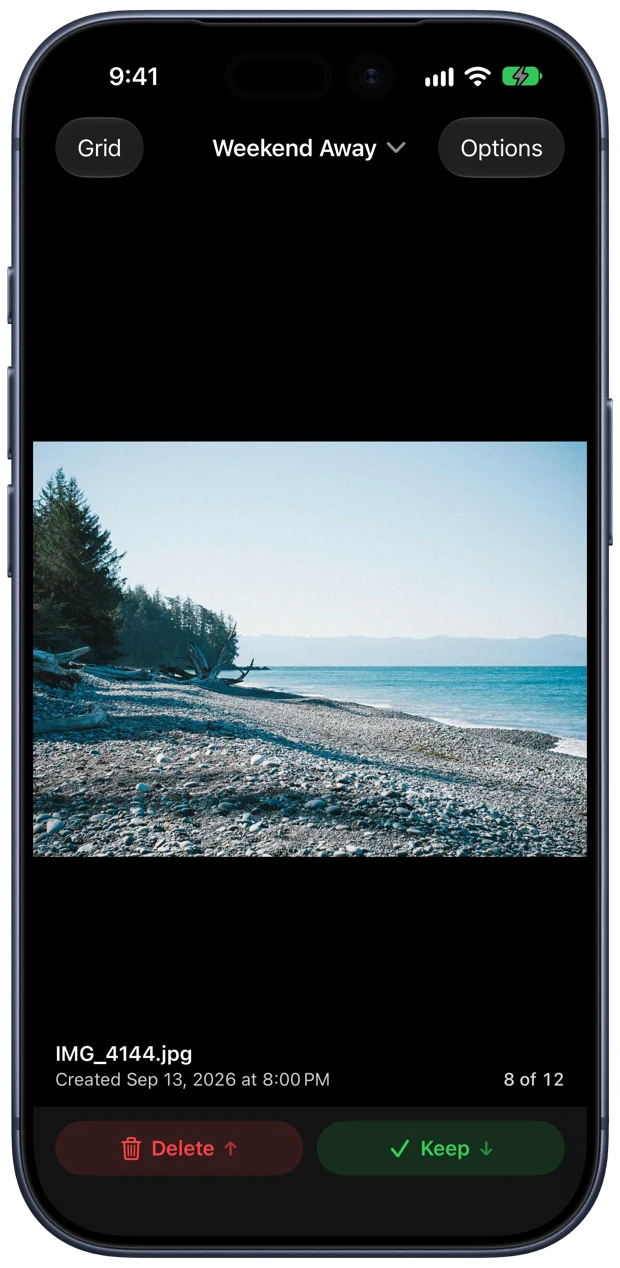
Dropbox folders, iCloud Drive, a camera card, a pile of downloads. Thumb Through lets you go through any of them one photo at a time, the way Photos only lets you go through your library. Swipe up to delete. Swipe down to keep.

Coming to the App Store for iPhone and iPad.













Any folder in Files
iCloud Drive, Dropbox, Google Drive, On My iPhone, an SD card or a drive plugged into your iPad. If Files can open it, you can thumb through it.
One photo, one decision
Files and Preview open a photo and stop. Here you swipe to the next one, and every photo gets a keep or a delete as you go.
Picks up where you left off
Stop halfway through three hundred photos. Come back next week and you're on the same one, with everything you kept still marked.
The whole app is one gesture.
A short tour on first launch has you practise it on a sample photo.
Pick a folder
Choose it once from Files. Recent folders are one tap away after that.
Swipe
Up and away deletes. Down and in keeps. Sideways just moves to the next photo.
Change your mind
Every delete has an Undo, goes to Recently Deleted in Files, and shows in the folder's History with a Put Back button.
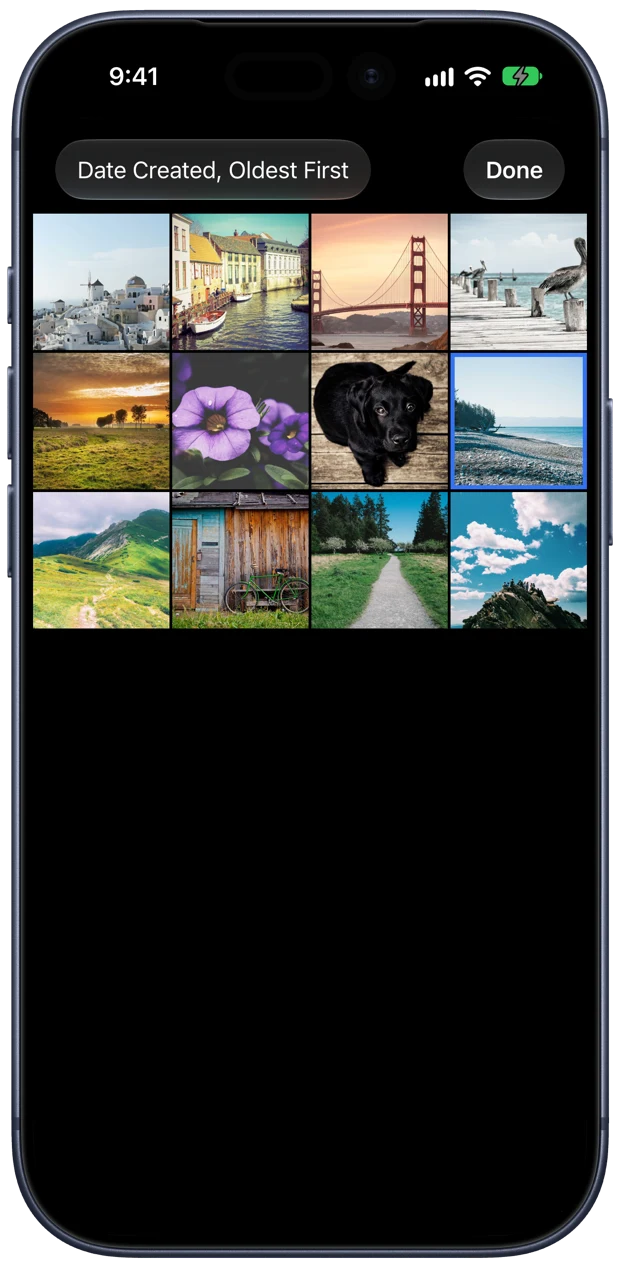
Sort it your way
By date created, date modified, name, size or kind, newest or oldest first.
Keep means keep
A kept photo stays right where it is with a ✓ on it. Or have kept photos move to a Keepers folder.
Full screen and zoom
Tap a photo to see it edge to edge. Pinch or double-tap to check focus before you decide.
Built for iPad too
Plug in a camera card and cull a shoot before you import it. Every action has a keyboard shortcut.
History for every folder
See what you deleted and kept, how much space you freed, and put anything back.
Nothing leaves your device
No account, no uploads, no tracking. The app never touches the internet.